Flux — IES Visualizer
Flux is Key Light’s photometric IES profile viewer. It loads .ies files, renders the light distribution cone in real time, displays the polar diagram of light intensity, and calculates the photometric data of the profile. With support for multiple lights in a scene, reference backgrounds, and configurable export options, Flux is designed to help you evaluate and document any luminaire before using it in production.
What Is an IES File?
An IES file (Illuminating Engineering Society, IESNA LM-63 format) is a standard photometric profile that describes how a real-world light fixture distributes light in space. It contains a matrix of light intensities (measured in candelas) across multiple vertical and horizontal angles, along with additional data such as total lumens and wattage.
Lighting manufacturers publish IES files for their products so lighting designers can simulate them accurately. Flux reads these files and converts them into interactive visualizations—no external rendering software required.
Opening Flux
There are two ways to open Flux from Key Light:
- From the vertical toolbar
Click the Flux button in Key Light’s sidebar. Flux opens empty, showing the drop area and a welcome message in the bottom status bar. - From an .ies asset’s context menu
Right-click an .ies asset in the content area → “Open with Flux.”
Flux opens with the file already loaded and rendered. If Flux is already open, it comes to the front and loads the new file.
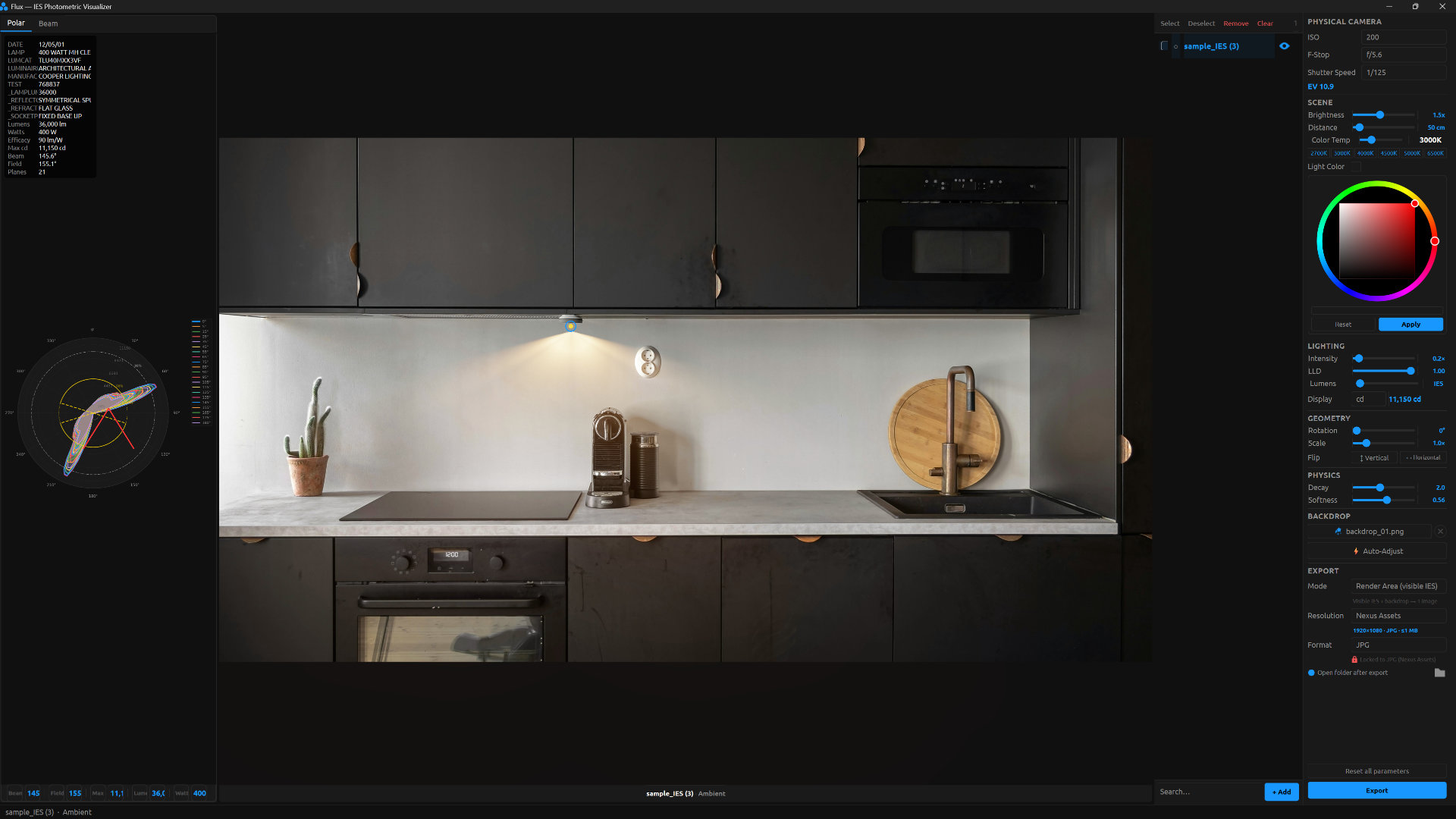
The image you see in Flux is provided by https://www.pexels.com/